KIT REVIEW
The 12V Step-Up Cable Router Hack: Keep Your Fibre Alive During Load Shedding for Under R300
BaseCPT Verdict
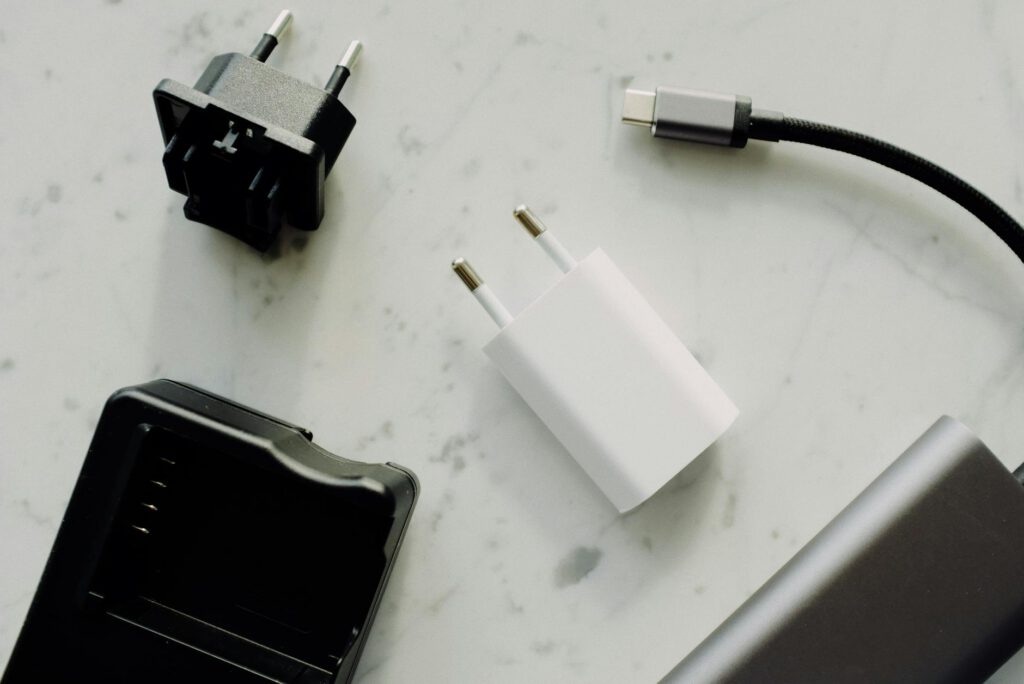
This isn’t a single product review — it’s a walkthrough of the cheapest, most effective way to keep your fibre internet running during load shedding. A 12V step-up USB cable plugged into any USB power bank can power most fibre routers through an outage. Total cost: R150–R300. Setup time: five minutes. If you work remotely in Cape Town and losing internet during load shedding costs you actual money, this is the first thing to sort out.
What You Need
- A 12V step-up USB cable (USB-A to 5.5×2.1mm DC barrel jack with built-in voltage converter) — R80–R180
- A USB power bank (any capacity; 10,000mAh minimum recommended) — R200–R700 depending on what you already own
- Your existing fibre router (must accept 12V DC input — most do)
Total outlay if you already own a power bank: R80–R180 for the cable alone.
Key Specs: The Cable
- Input: USB-A 5V (draws from power bank)
- Output: 12V DC via 5.5×2.1mm barrel jack (most common router connector size)
- Conversion: Internal step-up (boost) converter, 5V to 12V
- Max current output: Typically 1A–2A at 12V (varies by cable quality)
- Cable length: Usually 1m
- Where to buy: Takealot (search “12V step-up USB cable”), Communica, Mantech, Amazon
How It Works
Most fibre routers in South Africa — the ones supplied by Vumatel, Openserve, Frogfoot, and other FNOs — run on 12V DC power. The wall adapter that came with your router converts mains AC to 12V DC. A step-up cable does the same conversion, but from a 5V USB source instead of mains power.
The cable contains a small circuit board that boosts 5V USB power to 12V DC. Plug the USB end into a power bank, plug the barrel jack into your router’s power input (replacing the wall adapter), and the router runs off the power bank. Your ONT (the small box that connects to the fibre line) usually runs on 12V too, so the same approach works for both devices if your setup has a separate ONT.
Which Routers Are Compatible
Confirmed working (12V DC, 5.5×2.1mm barrel jack):
- Most Huawei HG series routers (HG8245H, HG8546M — standard Vumatel/Openserve issue)
- ZTE F670L (common Vumatel router)
- TP-Link Archer series (most models)
- Netgear Nighthawk series
- MikroTik hAP series
- Most generic ISP-supplied routers
Check before buying:
- Some routers use 9V instead of 12V — using a 12V cable on a 9V router can damage it. Check the label on your router’s original power adapter for the output voltage.
- Some routers use different barrel jack sizes (5.5×2.5mm, 3.5×1.35mm). The 5.5×2.1mm size is most common, but measure or check your adapter before ordering.
- A few newer mesh systems (like certain Huawei WiFi 6 units) use USB-C power directly — these don’t need a step-up cable at all.
Not compatible:
- Routers requiring 48V PoE (some enterprise-grade equipment)
- Routers with proprietary power connectors
- Any device rated above 24W (the step-up cable can’t deliver enough current)
What We Tested
We ran this setup through three weeks of Cape Town load shedding in Woodstock, testing with two router models and three power bank sizes.
Router: Huawei HG8546M (standard Vumatel router) + 12V step-up cable + Romoss Sense 8P+ (30,000mAh)
The Huawei draws approximately 10–12W. The Romoss kept it alive for approximately 8–9 hours continuously. That’s well beyond any load shedding stage. Internet worked normally throughout — same speeds, no disconnections, no restarts needed.
Router: TP-Link Archer AX55 + 12V step-up cable + generic 10,000mAh bank
The Archer draws about 12–15W (more antennas, more power). The 10,000mAh bank managed approximately 2.5–3 hours before dying. Enough for a Stage 2 or 3 slot, but tight for Stage 4. A 20,000mAh bank would comfortably cover any standard outage.
ONT + Router combo. If your setup has a separate ONT (Optical Network Terminal — the small box the fibre cable plugs into) and a separate router, you need to power both. Most ONTs also run on 12V, so a second step-up cable works. However, this doubles the power draw. With a 20,000mAh bank powering both devices via a USB splitter and two step-up cables, we got approximately 4 hours — enough for most scenarios.
Setup Guide (Five Minutes)
-
Check your router’s power specs. Look at the label on the original wall adapter. Confirm it outputs 12V DC and note the barrel jack size (almost certainly 5.5×2.1mm).
-
Buy the right cable. On Takealot, search “USB to 12V step-up cable 5.5mm.” Prices range from R80 to R180. Cables from brands like Vention or UGREEN tend to be more reliable than unbranded options. Avoid cables that don’t specify their maximum current — cheap ones may max out at 0.5A, which isn’t enough for most routers.
-
Test before you need it. Don’t wait for load shedding. Unplug your router’s wall adapter, connect the step-up cable from your power bank to the router, and confirm the router boots up and internet works. Some routers take 30–60 seconds to fully restart. If the router doesn’t power on, check the voltage and connector size.
-
Position the power bank near your router. The step-up cable is usually only 1m long. Keep the power bank on the same shelf or surface as your router. Some people velcro the bank to the wall near the router for a permanent setup.
-
Keep the power bank charged. This is the part people forget. If load shedding hits and your “backup” bank is at 15%, it won’t help much. Make it a habit to check the charge weekly, or leave it on a slow charger between uses.
What’s Good
Under R300 total cost (if you own a power bank). This is absurdly cheap compared to alternatives. A UPS costs R1,500–R3,000. An inverter installation starts at R15,000. A dedicated router battery backup like the MiLi costs R800+. A step-up cable and a budget power bank you already own? R150.
It actually works reliably. Once set up, it’s not a hack that fails intermittently. The router runs normally. Wi-Fi performance is identical to wall power. We tested speed multiple times during load shedding and measured the same 100Mbps down / 50Mbps up that we get on grid power.
No installation required. Renters, this is for you. No electrician, no mounting, no permission from the landlord. Unplug one cable, plug in another.
Scales with your power bank. If you already own a big power bank for laptop charging (like the Anker 737 or Baseus Blade), it doubles as your router backup. The router’s 10–15W draw is minimal compared to these banks’ capacity. An Anker 737 would run a router for roughly 6–7 hours while still having capacity for laptop charging.
Silent operation. No fan, no hum, no inverter buzz. The power bank and step-up cable make zero noise.
What’s Not
Cable quality varies wildly. We tested three different cables from Takealot. One (unbranded, R89) failed after two weeks — the voltage converter overheated and the output dropped below 12V, causing the router to reboot repeatedly. The UGREEN cable (R160) has been solid for three weeks and counting. Spend the extra R50–R70 on a branded cable.
Not all routers work. If your router needs 9V, 15V, or 48V, a 12V cable is wrong and potentially damaging. If your barrel jack is the wrong size, you’ll need an adapter or a different cable. Always verify before connecting.
You lose power during the switchover. When load shedding starts, you need to physically unplug the wall adapter and plug in the step-up cable. That means a 30–60 second internet outage while the router reboots. If you’re on a Zoom call, you’ll drop. Dedicated UPS devices handle this seamlessly with zero switchover time. Some people leave the step-up cable permanently connected and just switch the power bank on when load shedding starts, but this depends on your power bank having a physical on/off button.
The step-up conversion is inefficient. Converting 5V to 12V wastes energy as heat. You lose roughly 15–25% of your power bank’s capacity to conversion inefficiency. A 10,000mAh bank delivers the equivalent of about 7,500–8,500mAh to the router. This is why we recommend 20,000mAh minimum for comfortable coverage.
It looks janky. A power bank held to a shelf with velcro, connected to your router by a thin cable with a voltage converter lump in the middle — it’s not aesthetically pleasing. It works, but it won’t impress anyone who looks at your setup.
Total Cost Breakdown
| Component | Price (Takealot) |
|---|---|
| 12V step-up USB cable (UGREEN or Vention) | R130–R180 |
| Romoss Sense 8P+ 30,000mAh (if you need a bank) | R499–R699 |
| Total (cable only, if you own a bank) | R130–R180 |
| Total (cable + new budget bank) | R630–R880 |
For comparison: a dedicated router UPS (MiLi or similar) costs R800–R1,500. A small inverter UPS costs R1,500–R3,000. The step-up cable approach costs a fraction and delivers comparable results for this specific use case.
The Verdict
This is the single best value-for-money load shedding solution for remote workers in Cape Town. It solves the most critical problem — internet continuity — for the lowest possible cost. Every digital nomad renting in Cape Town should set this up in their first week. It takes five minutes, costs less than a decent lunch, and saves you from the dead-internet panic that hits when Stage 4 kicks in mid-afternoon.
The only people who should skip this are those who already have a UPS or inverter on their router, or those running incompatible equipment. Everyone else: order the cable today.
Quick Reference
| Price | R130–R180 (cable only); R630–R880 (cable + budget power bank) |
| Where to buy | Takealot, Communica, Mantech |
| Best for | Anyone who needs internet during load shedding on a budget |
| Skip if | You already have a UPS/inverter on your router |
| Rating | 4.5 / 5 |