KIT REVIEW
Logitech C920 HD Pro Webcam Review: Still Worth It for Video Calls in 2026?
BaseCPT Verdict
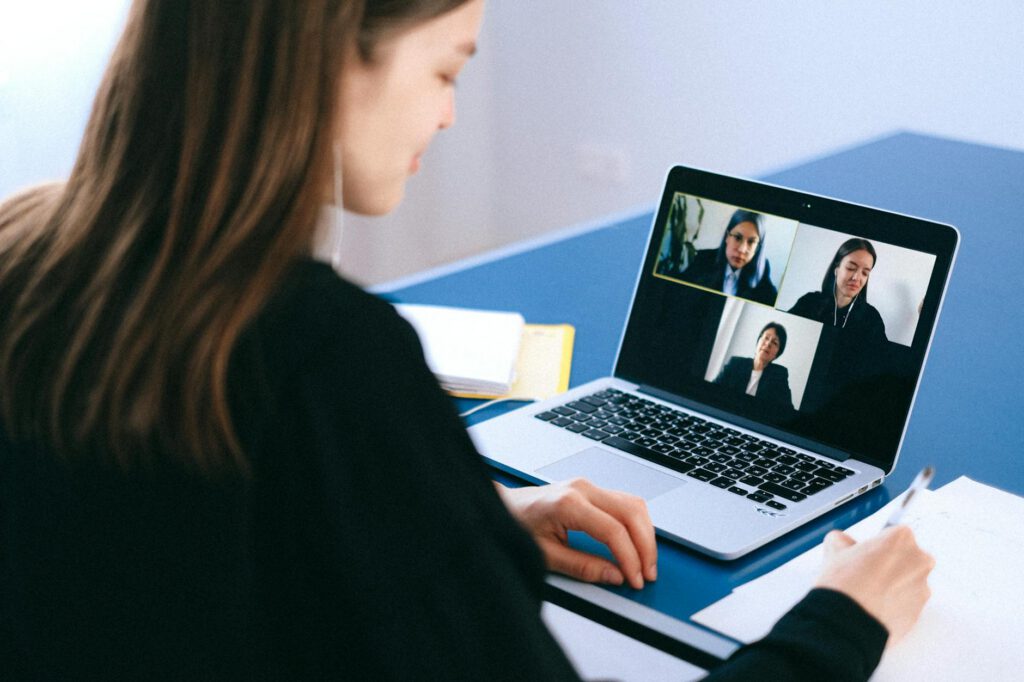
Here’s a pattern I see constantly among remote workers in Cape Town: you’re on a Zoom call with a client, the afternoon sun is blazing through your apartment window behind you, and your face on screen looks like a dark silhouette against a nuclear explosion. Your built-in laptop webcam is doing its best, but its best is terrible.
The Logitech C920 HD Pro has been the default webcam recommendation since roughly 2012. That’s an absurdly long product life in tech. The question for 2026 isn’t whether it was good — it’s whether it’s still good enough to justify the purchase when laptop cameras have improved significantly. After three months of testing, I have a clear answer.
What It Is and Who It’s For
The C920 is a 1080p external USB webcam that clips onto your monitor or laptop screen. It’s aimed at anyone who takes video calls regularly and wants to look better than their built-in camera allows. That includes remote employees on daily standups, freelancers pitching to clients, and content creators recording talking-head videos.
In the Cape Town context, it’s particularly relevant because many apartments and coworking spaces have large windows that create challenging backlight situations. An external webcam with better optics and exposure handling can be the difference between looking professional and looking like a witness protection participant.
Key Specs
- Resolution: 1080p at 30fps, 720p at 30fps
- Lens: Glass lens, 78-degree field of view
- Autofocus: Yes
- Microphone: Dual stereo microphones
- Connection: USB-A (with USB-C adapter available separately)
- Mount: Adjustable clip for monitors/laptop screens, tripod-compatible (1/4″ thread)
- Low-light correction: Automatic
- Privacy: No built-in shutter (third-party covers available)
- Weight: 162g
- Price (ZAR): R1,200-R1,600 (Takealot, Incredible Connection)
What We Tested
Three months of video calls and recording across Cape Town work environments:
Backlight handling: Tested in apartments with west-facing windows during afternoon calls (the classic Cape Town backlight problem when the sun hangs over the Atlantic). Compared the C920’s exposure handling to a 2024 MacBook Pro’s built-in camera.
Video call quality: Used on Google Meet, Zoom, and Microsoft Teams calls over fibre connections (100Mbps+) and mobile hotspot fallbacks. Assessed how the image holds up across different bandwidth conditions.
Coworking and cafe use: Tested portability and setup speed at shared desks where you can’t permanently mount a webcam. Evaluated how quickly you can clip it on and be call-ready.
Lighting comparisons: Shot test footage in bright natural light, mixed indoor/outdoor light, dim evening apartment light, and overhead fluorescent coworking light.
What’s Good
Backlight handling is dramatically better than most laptop cameras. This is the headline result for Cape Town use. When the afternoon sun is streaming through a window behind you, the C920’s auto-exposure does a noticeably better job of balancing your face against the bright background. Your laptop’s built-in camera will typically either blow out the background entirely or turn your face into a dark mass. The C920 finds a middle ground — the background gets bright, but your face stays visible and properly exposed. It’s not perfect (no webcam in this price range does true HDR), but the improvement over a built-in camera is immediately obvious.
1080p image quality is clean in good light. With decent lighting — a window to your side, a desk lamp, or standard overhead coworking lights — the C920 produces a sharp, well-coloured image. Skin tones look natural, and there’s enough detail that you look present and professional on calls. Side-by-side with a MacBook Pro’s 1080p FaceTime camera, the C920 has slightly better dynamic range and more natural colour reproduction.
Autofocus is reliable. The C920 focuses quickly and doesn’t hunt. When you lean forward to type or lean back to think, it adjusts without the image going soft and snapping back. This sounds basic, but cheaper webcams with autofocus can be distractingly slow to refocus.
The clip mount works on almost everything. It grips onto laptop screens, monitor tops, and even some thicker surfaces. Adjustable tilt lets you angle it correctly regardless of your setup height. At coworking spaces where the monitor position varies, this flexibility matters. Setup takes about five seconds — clip, tilt, go.
It’s plug and play. USB-A, no drivers needed on macOS or Windows. Plug it in and your video call app detects it immediately. When you’re setting up at a hot desk and your call starts in two minutes, this reliability is worth more than any spec sheet number.
What’s Not
It’s a USB-A connection in a USB-C world. In 2026, most ultrabooks and MacBooks have USB-C only. You’ll need a hub or adapter, which means one more thing to carry and one more connection point to potentially fail. Logitech sells a USB-C version (the C920e, aimed at enterprise), but it’s harder to find in South Africa and more expensive. This is the C920’s most dated aspect.
Low-light performance is mediocre. Cape Town apartment lighting after sunset can be dim, and the C920 struggles. The image gets grainy, colours wash out, and autofocus slows down. Logitech’s “RightLight 2” technology helps somewhat, but it can’t work miracles. If you regularly take evening calls, budget for a small ring light or desk lamp (R200-R500) to supplement. The camera performs well with even modest additional lighting.
No privacy shutter. The C920 has no built-in lens cover. Given the (reasonable) paranoia about webcam security, this is a miss. You can buy a sliding webcam cover for R50 on Takealot, but it should come in the box. Most newer webcams include one.
The built-in microphone is passable, not good. The dual stereo microphones pick up your voice clearly enough for a casual call, but they also pick up background noise — the espresso machine at the cafe, the conversation at the next coworking desk, traffic from Long Street. You’ll still want dedicated earbuds or a headset for any call where audio quality matters. Don’t buy this webcam expecting it to replace your microphone solution.
The design looks dated. This is subjective but worth mentioning: the C920 has a chunky, 2012-era design that looks conspicuous clipped to a sleek modern laptop. It works fine, but if aesthetics matter to you (and in cafe settings where people can see your setup, they might), newer alternatives like the Logitech Brio 100 have a slimmer profile.
78-degree field of view is tight. It frames your head and shoulders closely, which is fine for standard video calls but doesn’t leave much room if you want to gesture or show something on a whiteboard behind you. Wider-angle options exist in the same price range.
Alternatives Worth Considering
Logitech Brio 100 (R800-R1,000): A newer, cheaper webcam with 1080p, USB-C, and a built-in privacy shutter. Image quality is slightly worse than the C920, but it’s smaller, cheaper, and has a modern connection. The better budget option in 2026.
Logitech Brio 300 (R1,300-R1,600): The C920’s spiritual successor with USB-C, a privacy shutter, and slightly improved low-light performance. If you’re buying new today and the price is similar, get this instead.
Logitech C922 Pro (R1,400-R1,800): A minor upgrade to the C920 with slightly better low-light and 720p at 60fps for streaming. Not worth the premium over the C920 for standard video calls.
Elgato Facecam (R3,000+): A significant step up with a larger sensor, better low-light, and no compression. Overkill for video calls, appropriate for content creation. Hard to justify the price for meetings alone.
Your phone as a webcam: Both Apple (Continuity Camera) and various Android apps let you use your phone as a webcam. If you have a recent phone, this is free and often produces better quality than any webcam under R2,000. The trade-off is setup hassle and losing your phone during calls.
The Verdict
The Logitech C920 is still a competent webcam that handles the specific Cape Town challenge of backlight exposure better than most laptop cameras. It produces clean 1080p video, sets up in seconds, and has proven reliability over a decade of production.
But in 2026, it’s showing its age. The USB-A connection, lack of privacy shutter, and mediocre low-light performance are real limitations. If you can find it discounted below R1,200, it’s solid value. At full price, the Logitech Brio 300 is the smarter buy — it addresses most of the C920’s weaknesses while offering similar image quality.
If you’re on a tight budget, consider using your phone as a webcam first. It costs nothing and the quality from a recent smartphone often surpasses any webcam in this price range. But if you want a dedicated, clip-on solution that you can set up in five seconds and forget about, the C920 still does the job.
Quick Reference
| Product | Logitech C920 HD Pro Webcam |
| Price | R1,200-R1,600 (Takealot, Incredible Connection) |
| Where to buy | Takealot, Incredible Connection, Evetech |
| Best for | Remote workers on frequent video calls with backlight issues |
| Skip if | You need USB-C, great low-light performance, or have a recent phone you can use as a webcam |
| Rating | 3.5 out of 5 |